- Easiest test: Put your phone inside, close the bag correctly, and attempt communication using another device.
- Don’t test just one thing: Check cellular, Wi-Fi, and Bluetooth separately where practical — a pass on one doesn’t mean a pass on all.
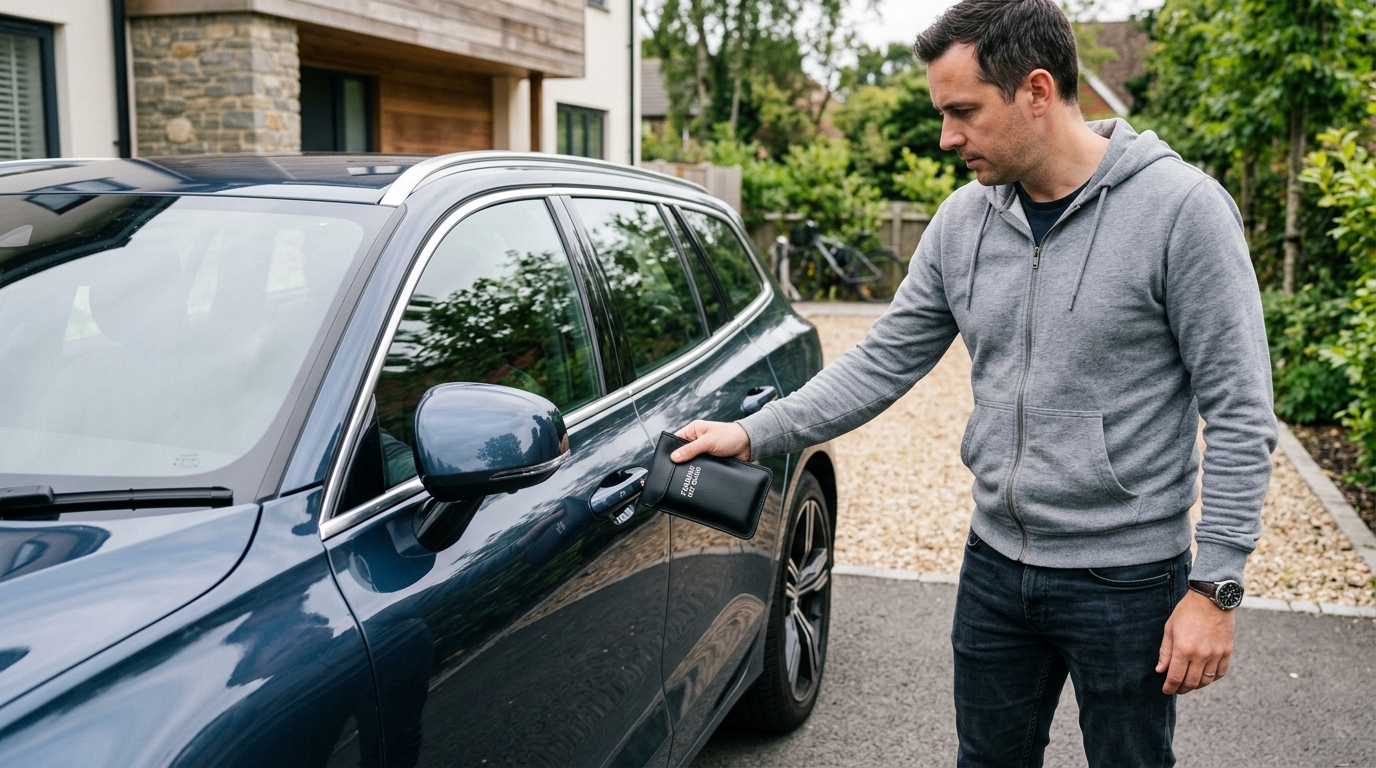
- Key fob: Test whether your vehicle can detect the enclosed key using its normal keyless-entry behavior.
- If a test succeeds: Check closure and placement, then repeat it — don’t conclude from a single result.
- What this doesn’t prove: Passing a few home tests isn’t equivalent to laboratory RF shielding measurement.
Before you test: make sure you're using the bag correctly
Before concluding anything about shielding performance, rule out basic usage error. Identify the actual shielded compartment — some Faraday products include an outer storage pocket that isn’t shielded at all, and putting your phone in the wrong pocket is an impressively easy way to conclude your Faraday bag doesn’t work. Place the entire device inside, make sure nothing (a cable, a case edge, a corner of the phone itself) is obstructing the closure, and follow the manufacturer’s closure instructions exactly rather than approximately. If the bag shows any obvious damage — a torn seam, a visibly worn fold line — that’s worth noting before you even start testing, since it’s a likely explanation if results are inconsistent.
Test 1: Can your phone receive a call?
- Confirm the phone can normally receive a call before you start, so you have a real baseline.
- Place it fully inside the shielded compartment.
- Close the bag exactly according to its instructions.
- From a second phone, call the enclosed device.
- Observe what happens — and pay attention to more than just “did it ring.”

Interpreting the result carefully matters here. If the call doesn’t connect and goes to voicemail, that’s reasonable evidence the bag provided sufficient attenuation for that specific cellular connection, under those specific conditions — it isn’t a certification across every relevant frequency the phone uses. It’s also worth knowing that what the caller hears isn’t a perfectly synchronized readout of what’s happening on the enclosed handset: ringback tones and call signaling are generated and managed by the carrier’s network, not instantaneously mirrored from the destination device, so don’t treat the caller’s experience alone as definitive — check the enclosed phone directly (missed call notification, voicemail) once you take it back out, rather than relying only on what you heard on the calling end.
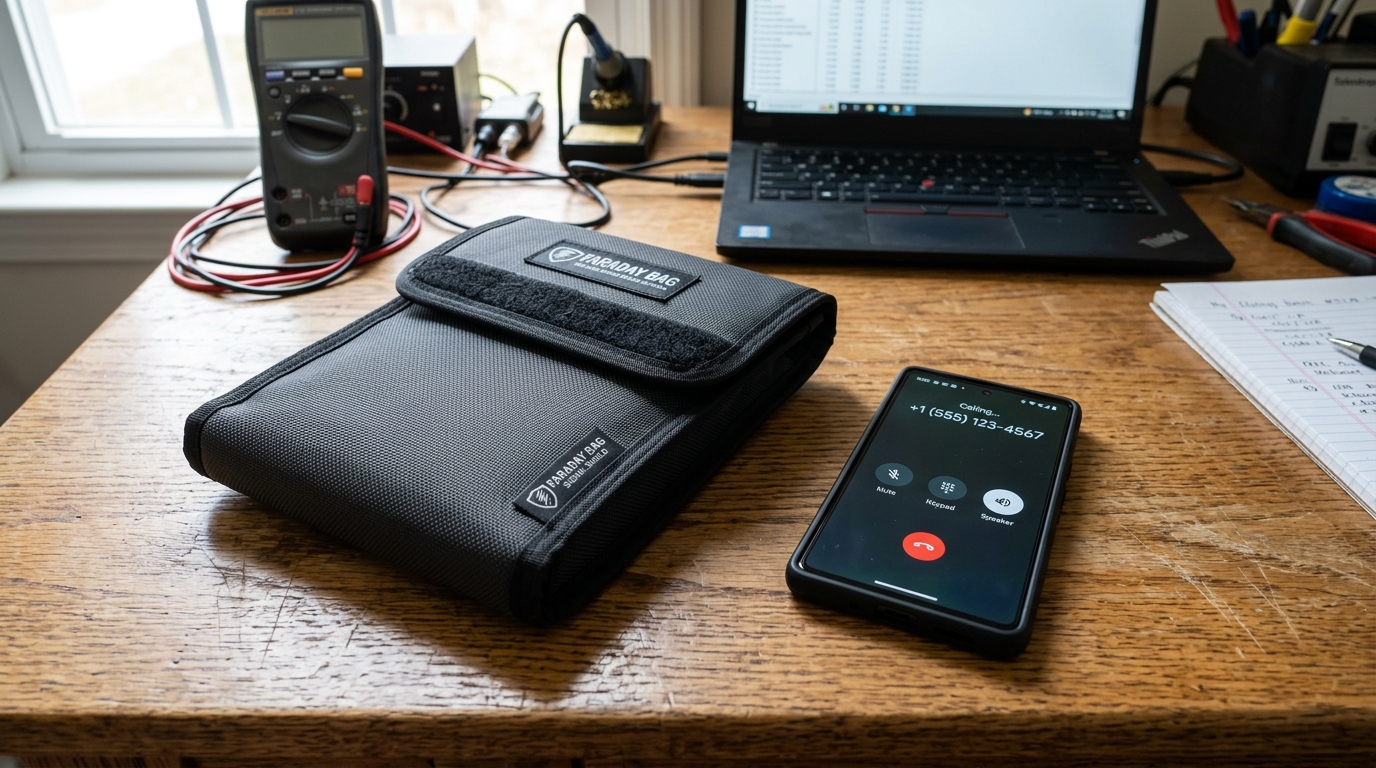
Test 2: Check Wi-Fi
Before enclosing the phone, confirm it’s actively connected to Wi-Fi — actually load something, not just glance at the signal icon, since a displayed Wi-Fi status indicator isn’t always a reliable real-time signal of active communication. Seal the phone in the bag for a minute or two. Then, immediately after removing it, try to reload the page or refresh the content you had open. If the device needs to reconnect before anything loads — rather than picking up instantly where it left off — that’s a sign the Wi-Fi connection actually dropped while sealed, not just sat idle.
Test 3: Check Bluetooth
Pair the phone with a Bluetooth speaker, headphones, or a smartwatch, and get it actively streaming audio or syncing data. Seal the phone. If the connection drops — audio cuts out, the watch shows a disconnected state — that’s evidence Bluetooth was blocked. As with Wi-Fi, connection status alone is a weaker signal than actual data or audio flow — a device can sometimes show as “connected” from cached state without genuinely exchanging data live, so prioritize watching for the audio or sync actually stopping over just checking a status icon. Testing this separately from cellular matters because Bluetooth operates in a different part of the spectrum, and a bag effective at one isn’t automatically effective at the other.

What about GPS?
This one needs more care than the others. GPS/GNSS reception works differently from cellular, Wi-Fi, or Bluetooth — the phone is only receiving signals from satellites, not communicating back and forth the way it does with a cell tower or Wi-Fi router. That has a practical consequence for testing: a phone can continue displaying location-related information for reasons that don’t necessarily mean it’s currently receiving a live GPS signal — a recently cached position, an app showing a last-known location, or assisted positioning data already stored locally can all look like “the phone still knows where it is” without a live signal actually getting through. Don’t conclude a bag failed just because a maps app still shows a location dot immediately after sealing — give it a couple of minutes, and ideally change locations while sealed to see whether the app registers movement it shouldn’t be able to detect if GPS is genuinely blocked. For the deeper explanation of what GPS blocking does and doesn’t mean for tracking specifically, see Can a phone be tracked inside a Faraday bag? and What do Faraday bags block?
Testing a Faraday pouch for a car key
First, confirm your vehicle’s passive keyless-entry function works normally with the key outside the pouch. Then place the key fully inside the shielded compartment, close the pouch exactly as instructed, and approach or attempt to use the vehicle the normal way. If the vehicle doesn’t detect the key and doesn’t unlock, that’s a reasonable sign the pouch is providing adequate shielding for your specific key and vehicle. If it still detects the key, investigate the pouch and closure — including whether the key was actually in the shielded compartment — before relying on it. Not every keyless vehicle behaves identically, so this is a functional test specific to your car and key, not a general certification. A fuller walkthrough of this specific use case, including what a Faraday pouch does and doesn’t protect against, is in Faraday pouches for car keys →

Don’t just test once
A single result can be misleading — closure quality, exact device position, and even normal variation in network conditions can all affect one attempt without reflecting the bag’s actual typical performance. Repeat each test a few times rather than drawing a conclusion from one pass or one failure, and if you’re relying on a bag for something that actually matters (daily key-fob storage, evidence handling), it’s worth periodically retesting rather than assuming a result from months ago still holds — shielding fabric is subject to real mechanical wear over repeated use, covered in more depth in Do Faraday bags actually work?
This is a natural conclusion to draw, and it’s too broad. A failed cellular connection tells you something real and useful about that specific cellular test — it doesn’t automatically establish performance against every cellular band, Wi-Fi, Bluetooth, GNSS, NFC, or every frequency the manufacturer claims to cover. Different radio systems operate at different frequencies with different leak characteristics, which is exactly why this article tests them separately rather than treating one passed test as proof of everything.
Your Faraday bag failed a test — now what?
Work through this roughly in order:
- Check the compartment — was the device actually in the shielded section, not an outer storage pocket?
- Check the closure — was it sealed exactly as intended, not just folded roughly?
- Check the fit — is the device too large or oddly shaped to let the bag close fully?
- Inspect the bag — any visible damage, wear, or compromised seams?
- Repeat the test — rule out a one-off result before concluding anything.
- Try a different signal type — a failure on Wi-Fi doesn’t mean cellular also fails, and vice versa.
- Check what the manufacturer actually claims — some listings are vaguer about frequency coverage than they sound.
- If it keeps failing, don’t keep relying on it for that use case just because the listing says “military-grade.” A repeated failure is real information, not something to explain away.
Home testing vs. lab testing
| Attribute | Home Functional Test | RF / Shielding Measurement |
|---|---|---|
| Purpose | Check whether a specific communication succeeds or fails | Quantify attenuation in decibels under controlled conditions |
| Equipment | A phone, a second device | Calibrated RF test equipment (spectrum analyzer, TEM cell) |
| Result | Pass/fail for that specific test | A measured dB figure across a frequency range |
| Frequency control | Whatever your device/carrier happens to use | Precisely controlled, swept across a defined range |
| Repeatability | Varies with location, network conditions, closure | Consistent under controlled lab conditions |
| What you can conclude | This bag blocked (or didn’t) this specific signal, this time | The bag’s actual measured shielding effectiveness at tested frequencies |
A phone call test doesn’t produce a shielding-effectiveness number — it produces a real, useful, but narrower result: did this one thing work or not, here, now.
How often should you test a Faraday bag?
There’s no universally agreed testing interval, and it would be misleading to invent one. Sensible moments to test: when you first get the product, after any visible damage, if the closure starts feeling different than it used to, and before relying on it for anything that actually matters. If a bag is protecting something you genuinely care about — a car key you rely on daily, a device being held for evidence — periodic retesting is worth the two minutes it takes, rather than assuming a result from when it was new still holds indefinitely.
Need a replacement?
If your bag failed or is showing signs of mechanical wear, consider our dedicated hardware breakdowns:
- Choosing a Faraday bag for your phone: Faraday bags for phones: What they block & how to choose one →
- Choosing a Faraday pouch for your car keys: Faraday pouches for car keys: Do they stop relay theft? →
The bottom line
If your phone still rings inside the bag, you have a problem. If it doesn’t, you have a useful result — not a laboratory certificate. Home testing is genuinely useful: it catches obvious failures and tells you whether a specific communication method succeeds while the device is sealed. What it doesn’t do is certify shielding performance the way a controlled RF measurement would. Treat a passed test as good evidence for that specific thing you tested, not as a blanket guarantee.
Frequently asked questions
How do I know if my Faraday bag works?
Test each signal type separately — cellular, Wi-Fi, Bluetooth — using the steps in this guide, and repeat each test rather than relying on a single attempt.
Should my phone ring inside a Faraday bag?
No, if the bag is providing adequate cellular attenuation — the call should go to voicemail instead of ringing through.
Can I test a Faraday bag with Wi-Fi?
Yes — confirm an active connection first, seal the phone, then check whether it needs to reconnect afterward rather than resuming instantly.
Can I test a Faraday bag with Bluetooth?
Yes — pair it with a speaker, headphones, or watch and check whether the actual audio or data connection drops when sealed, not just the displayed status.
How do I test a Faraday pouch for car keys?
Confirm your keyless-entry function works normally first, then seal the key and attempt to use the vehicle as normal — no response is the sign the pouch is working.
Does a successful phone-call test prove the bag blocks GPS?
No — cellular and GPS operate differently and need to be tested separately. A bag can pass a call test and still not adequately block GPS reception.
Do Faraday bags need to be tested regularly?
There’s no official universal schedule, but retesting after damage, a change in closure feel, or before relying on the bag for something important is a reasonable practice.
Sources used
- “Faraday Bags: Testing Commercial and DIY Wireless Signal Blockers” — RECOIL OFFGRID. Multi-frequency hands-on testing protocol across RFID, FM radio, GPS, cellular, Bluetooth, and Wi-Fi, benchmarking commercial enclosures against DIY foil wraps with dedicated RF hardware (Proxmark 3).
- “Do Faraday Bags Actually Work?” — PrivacyLabz Technical Analysis. Analysis of flexible conductive fabric abrasion cycles, seam degradation, and closure contact integrity over repeated folding.
- “Keyless Car Theft Advice & Mitigations” — Honest John / Thatcham Research Guidance. Vehicle security testing protocol, key fob signal containment, and Thatcham’s recommendation on periodic pouch retesting.