- What it does: Attenuates wireless signals from a laptop while it’s fully enclosed and sealed.
- Commonly relevant signals: Wi-Fi and Bluetooth on essentially every laptop; cellular only on WWAN-equipped business/enterprise models; GPS is uncommon on laptops generally, unlike phones.
- Best for: Storage, transport, or IT/security handling of a device that doesn’t need to be actively used while enclosed.
- What matters: Size and full coverage, seam length, and a closure that stays sealed across a bigger enclosure.
- Biggest misconception: A laptop Faraday bag isn’t primarily a “tracking” concern the way a phone bag is — the more common driver is data security in storage or transit, not day-to-day location privacy.
What signals does a laptop actually use?
Every laptop has Wi-Fi and, in almost all modern models, Bluetooth — both operating in the same frequency ranges covered elsewhere on this site (What do Faraday bags block?). Cellular connectivity (WWAN) is far less universal — it’s mostly a business/enterprise laptop feature, not something most consumer laptops ship with, so it’s not a signal every laptop bag needs to worry about the way every phone does. GPS is genuinely uncommon on laptops; unlike phones, most laptops don’t include a dedicated GPS chip at all, relying on Wi-Fi-based location estimation instead when location services are used. This means the “what am I actually trying to block” question looks different for a laptop than a phone — usually Wi-Fi and Bluetooth are the real targets, not a full six-signal spread.

Why would someone shield a laptop specifically?
The most common legitimate reasons skew toward data security and IT handling rather than personal tracking concerns. A few real examples: preventing a lost or stolen company laptop from being remotely accessed or wiped before it’s recovered, isolating a device during a security incident investigation so it can’t communicate while being examined, or simply storing a laptop you’re not currently using without it continuing to broadcast in the background. Digital forensics and IT security teams use this logic for laptops the same way it’s used for phones — covered in more detail in Can a phone be tracked inside a Faraday bag?, where the same underlying reasoning applies to any networked device, not just phones.
What’s less common: using a laptop bag for the kind of everyday, personal-privacy reasons that drive phone bag purchases. A laptop isn’t usually carried on your person the way a phone is, and most people don’t have the same instinct to isolate it day-to-day — this is a more specialized, situational product than a phone bag, not a daily-carry item.
What changes about the shielding itself at this size
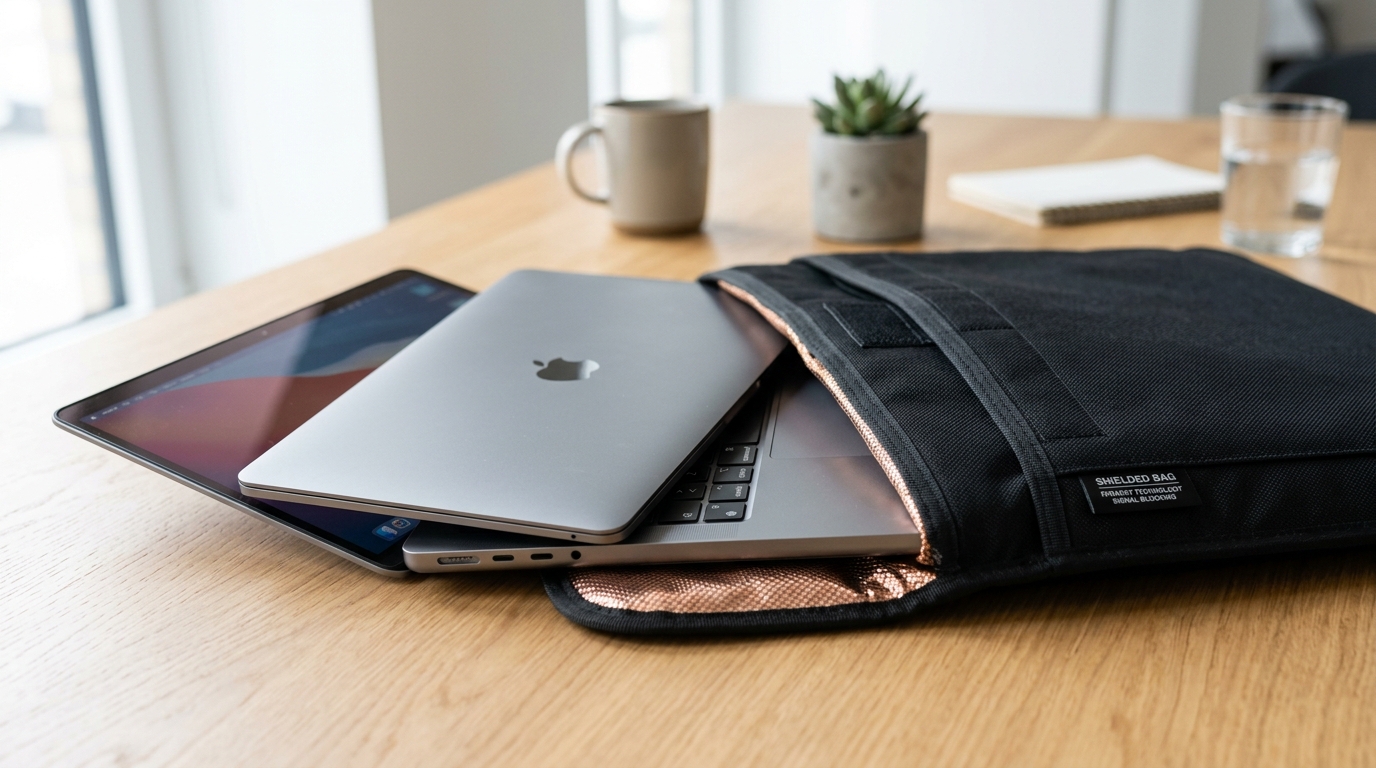
A bigger enclosure means a longer seam, and a longer seam is more opportunity for a small gap to exist somewhere along its length — the same slot-antenna leakage principle covered in Do Faraday bags actually work? applies more acutely here simply because there’s more closure to get right. A laptop sleeve or bag also needs to fully enclose a rigid, larger object rather than a small device that can be folded around — which makes fit and closure design more consequential than it is for a phone pouch, where a slightly-too-big bag still usually seals fine.

The word “full” is doing a lot of work in a claim like this, and it isn’t backed by anything specific. As with any Faraday product, a real specification needs a stated frequency range and an attenuation figure — “full protection” without either is a description of intent, not a measurement.
What to look for in a laptop Faraday bag
Size and fit. The laptop needs to fit with the enclosure able to seal fully around it — not stretched taut, and not so loose the device shifts and stresses the seam near the closure.
Closure design across a longer seam. Given the seam-length point above, a closure that maintains continuous contact along its full length (a proper flap-and-seal or roll-top design) matters more here than on a small pouch, where a single-fold closure is more forgiving simply because there’s less of it.
Construction quality for a heavier item. A laptop is heavier and more rigid than a phone, and repeated handling of a heavier enclosure can stress seams differently than a light pouch does. Durability claims should be treated the same way as any other manufacturer claim — worth a look, not worth assuming.
Shielding specifications. The same rule as everywhere else on this site: a stated frequency range and attenuation figure are worth more than an adjective. Given most laptops primarily need Wi-Fi and Bluetooth coverage rather than the full range a phone needs, check that the stated coverage actually includes those two specifically, not just a generic “blocks signals” claim.
Evaluations & product sourcing
PrivacyLabz publishes product evaluations only when listings publish verified specifications or laboratory attenuation figures.
Evaluations in progress
We are currently screening commercial laptop Faraday sleeves and bags. In accordance with PrivacyLabz editorial policy, we do not populate product recommendations until listings provide verifiable attenuation figures across 2.4 GHz and 5 GHz bands.
How do you test a laptop Faraday bag?
The same core approach covered in How to test a Faraday bag at home applies — connect the laptop to Wi-Fi, seal it, then check whether it needs to reconnect afterward rather than resuming instantly; pair it via Bluetooth and check whether that connection drops when sealed. The main practical difference is convenience: laptops take longer to boot and reconnect than phones, so build a little more time into each test rather than checking immediately.
Do you actually need one?
For most personal laptop use, probably not — most people don’t have an ongoing reason to physically isolate a laptop day-to-day, and Wi-Fi/Bluetooth can simply be turned off in software for most everyday privacy purposes. Where this genuinely earns its place: IT and security teams handling devices during an incident, businesses needing to secure a laptop in transit or storage, or anyone with a specific, real reason to guarantee a device isn’t transmitting rather than just assuming it isn’t. If none of those describe your situation, this is a specialized tool, not a general laptop accessory.
The bottom line
A laptop Faraday bag works on the same principle as a phone bag, sized up — which means the same rules about closure, construction, and evidence-backed claims apply, just with more seam to get right and a narrower, usually more specialized reason for needing one in the first place. Not sure which Faraday product actually fits your situation? Explore our Faraday bags overview guide →
Frequently asked questions
Do all laptops need the same signal coverage as phones?
No — most laptops rely primarily on Wi-Fi and Bluetooth, with cellular (WWAN) limited mostly to business/enterprise models and GPS uncommon on laptops generally, unlike phones which typically use all of these.
Can I use a phone Faraday bag for a laptop?
No — a laptop needs an enclosure sized and closed appropriately for its dimensions; a phone-sized bag won’t fit or seal correctly around a laptop.
Does turning off Wi-Fi and Bluetooth in software do the same thing as a Faraday bag?
Not with the same certainty — as covered in Airplane mode vs. Faraday bag, a software setting depends on the device correctly honoring it, while physical shielding doesn’t depend on the device’s software state at all.
Is this mainly a business/IT security product rather than a consumer one?
Largely, yes — the most common legitimate use cases lean toward data security, incident handling, and device transport rather than the everyday personal-privacy reasons that drive phone bag purchases.
Sources used
- “Do Faraday Bags Actually Work?” — PrivacyLabz Technical Analysis. Physics of seam length, continuous contact resistance, and slot antenna resonance in flexible conductive enclosures.
- “What Do Faraday Bags Block?” — PrivacyLabz Spectrum Guide. Analysis of 2.4 GHz and 5 GHz Wi-Fi, Bluetooth frequency allocation, and mobile baseband signals.
- “Airplane Mode vs. Faraday Bag” — PrivacyLabz Technical Comparison. Contrasting operating-system software controls against hardware RF attenuation.